In today's fast - paced work environment, especially for front - line technicians in the palm oil processing industry and office clerks, maintaining a healthy sitting posture is crucial. Prolonged sitting in improper postures can lead to a variety of occupational diseases. However, with the right office chair adjustment techniques, you can effectively prevent these issues and enhance your work efficiency.
Your office chair comes with five core adjustment functions: height, armrests, backrest tilt angle, seat depth, and lumbar support position. Each of these functions plays a vital role in achieving a scientific sitting posture.
Let's start with the height adjustment. According to ergonomic studies, about 70% of office workers have their chairs at an improper height. When the chair is at the correct height, your feet should rest flat on the floor, and your knees should form a 90 - degree angle. This helps reduce pressure on your lower back and legs.
The armrests are also important. Adjustable armrests allow you to keep your shoulders relaxed. When your elbows are at a 90 - degree angle and rest comfortably on the armrests, it can relieve shoulder and neck fatigue. In fact, proper use of armrests can reduce shoulder strain by up to 40%.
The backrest tilt angle is another key factor. A tiltable backrest allows you to change your sitting position throughout the day. For example, when you are concentrating on a task, a more upright position (about 90 - 110 degrees) can be beneficial. But during breaks or when reading, you can recline the backrest to 120 - 135 degrees to relax your back muscles.
The seat depth adjustment is often overlooked. The correct seat depth ensures that your thighs are fully supported. When the seat is not too deep or too shallow, about 90% of your thigh area should be in contact with the seat surface, which helps improve blood circulation in your legs.
The lumbar support position of the chair is crucial for maintaining a healthy spine. Adjusting the lumbar support to the curve of your lower back can effectively prevent lower back pain. Research shows that proper lumbar support can reduce the risk of lower back problems by 50% among office workers.
Our office chairs are designed with a professional - level adjustment system that conforms to ergonomic principles. This allows you to customize the chair according to your body shape and work habits, providing you with a more comfortable and healthy sitting experience.
To ensure that you are using your chair correctly, we have designed a simple self - testing method. Sit on the chair and check if your body feels balanced. If you feel any discomfort, make small adjustments to the chair's settings. Also, remember to make daily fine - adjustments to your chair as your body may change its position slightly during the day.
Dynamic sitting is also emphasized. Changing your sitting position every 30 minutes can prevent muscle fatigue and spinal injuries. For example, you can stand up and walk around for a few minutes, or adjust the backrest angle to stretch your back muscles.
Discover how our office chairs with professional - level adjustment systems can transform your work experience. Click here to learn more about our ergonomic office chair solutions.

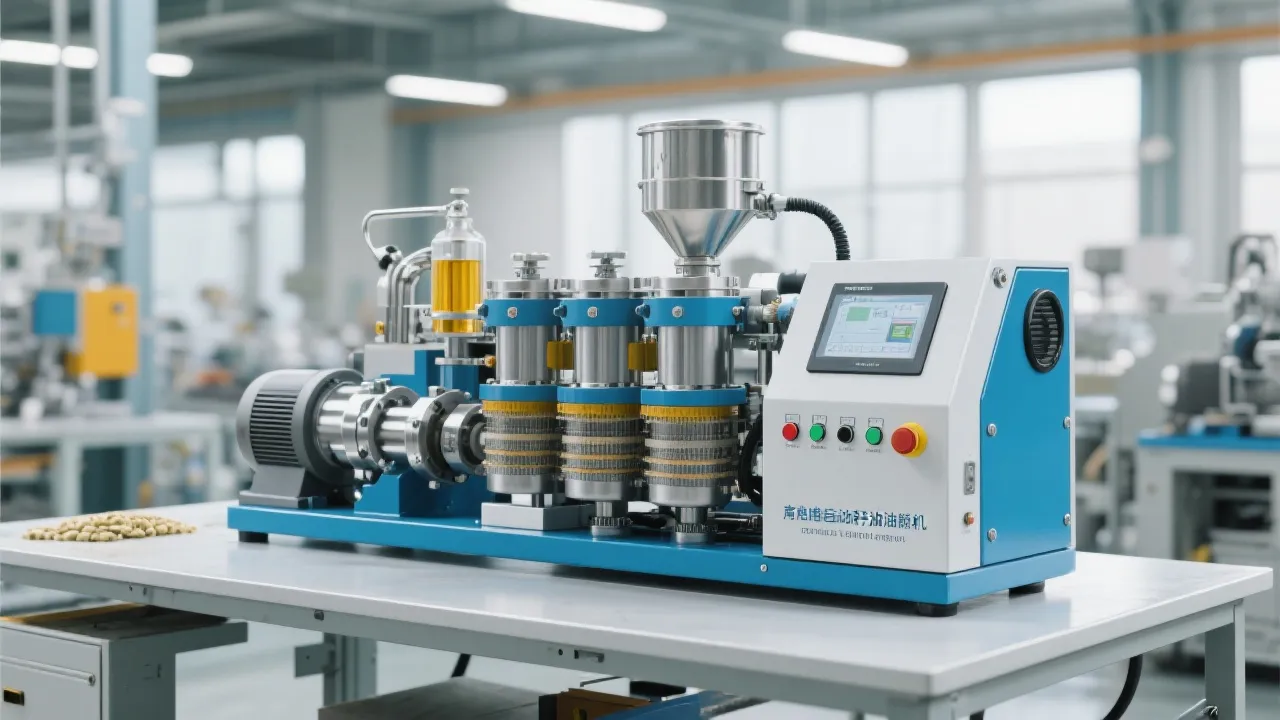
 automated palm oil processing
small scale palm oil equipment
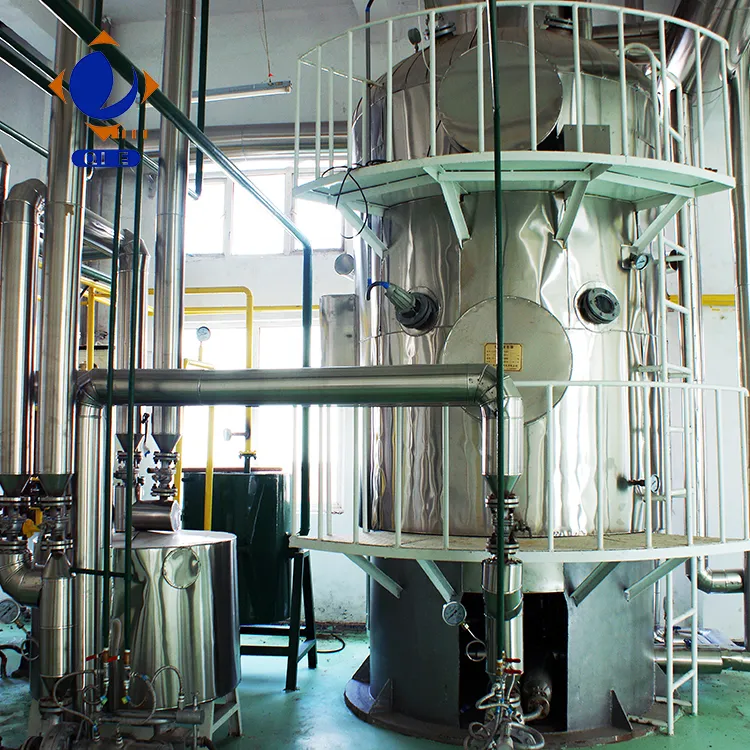
palm oil sterilization process
palm oil refining system
palm oil processing maintenance
automated palm oil processing equipment
low energy consumption palm oil plant
palm fruit vs palm kernel processing
food safety sterilization in oil refining
ISO 9001 quality control in palm oil production
office chair breathable mesh recommendation
summer comfortable - sitting office chair
mesh material quality comparison
office chair mesh material analysis
summer office chair selection guide
Palm oil production line automation
PLC intelligent control for energy saving and consumption reduction
Palm oil processing equipment energy - saving transformation
Palm oil refining automation system
Palm oil production efficiency improvement
palm oil processing line design
customized palm oil plant
pressing and refining optimization
automatic palm oil equipment
Southeast Asia agricultural processing
automated palm oil processing
small scale palm oil equipment
palm oil sterilization process
palm oil refining system
palm oil processing maintenance
automated palm oil processing equipment
low energy consumption palm oil plant
palm fruit vs palm kernel processing
food safety sterilization in oil refining
ISO 9001 quality control in palm oil production
office chair breathable mesh recommendation
summer comfortable - sitting office chair
mesh material quality comparison
office chair mesh material analysis
summer office chair selection guide
Palm oil production line automation
PLC intelligent control for energy saving and consumption reduction
Palm oil processing equipment energy - saving transformation
Palm oil refining automation system
Palm oil production efficiency improvement
palm oil processing line design
customized palm oil plant
pressing and refining optimization
automatic palm oil equipment
Southeast Asia agricultural processing










.png?x-oss-process=image/resize,h_100,m_lfit/format,webp)
.png?x-oss-process=image/resize,h_100,m_lfit/format,webp)
.png?x-oss-process=image/resize,h_100,m_lfit/format,webp)